

Short answer: To find warm intros into a target account, start from your account list. For each account, name the 3 to 5 people who decide, check they still work there, and look at their mutual connections with everyone on your leadership team. Then ask each exec how well they really know the person, and pick one exec per account to make the intro. You can do this by hand with LinkedIn's "Connections of" search filter. Sales Navigator's TeamLink shows colleagues' connections on its Advanced plans, and Teamfluence shows which team member each lead is connected to, filtered by your target account list.
Last updated: 21 October 2026
What is a warm intro into a target account?
A warm intro is a route into an account through someone who already knows a person there. Usually that someone is on your own team: a founder, a partner, a CFO who worked with the buyer years ago.
A buyer at a consultancy on one of our calls this month called "who do we know in these accounts" the ultimate commercial question. A week later, the marketing team of a large services company asked us the same thing in a demo, and their head of marketing restated it three times so we'd get it right. A relationship management company that works with law firms asked for it too.
None of the three wanted more leads. They already had their target accounts. They wanted to know which of their executives knows someone at each one.
Why ABM teams start with "who do we know there?"
Most ABM programs do the cold part first: lists, ads, sequences. The warm part, an exec who already knows the buyer, gets left for later, or for luck.
An intro from someone the buyer knows has a better chance of a reply than a cold email from a stranger. We did the cost-per-reply math for warm and cold outreach in warm leads vs cold leads.
The problem is visibility. Every person on your team has their own network, and nobody can see all of them at once. So the question "who do we know at Acme?" turns into a Slack message to the whole leadership team, and a few replies.
How do you map warm intros by hand?
Here's the order we'd follow for your top accounts.
1. Start from the account list. Take your top 20 target accounts. Twenty is enough to find out if it's worth doing for the rest. If you start from your network instead, you scroll through friends, ex-colleagues and people you met at conferences. Most of them don't work at your accounts.
2. Name the people who decide. Three to five per account. Job titles are fine if you don't have names yet.
3. Check they still work there. Open each profile. Profiles go stale, and some people still show a company they left a long time ago.
4. Check their mutual connections with your whole leadership team. CFO, COO, partners, board members. Sales is only one part of your team's network.
5. Ask each exec how well they know the person. A connection can be a former colleague. It can also be someone they accepted after a conference and never spoke to. The buyer from the consultancy described this step: you see that Tom is connected to somebody at a target account, then you go to Tom and ask how well he knows them.
6. Pick one exec per account. The one who really knows the person goes first. Everyone else waits.
Keep it in one sheet:
| Account | Person | Role | Still there? | Exec | How they know each other | Strength (1 to 3) | Next step |
|---|---|---|---|---|---|---|---|
| Northwind Freight | Lena B. | VP Sales | Yes | CFO | Worked together, 2 years | 3 | CFO sends intro this week |
| Northwind Freight | Tom K. | Head of Ops | Yes | COO | Same conference panel | 1 | Skip for now |
(Example data. Lena B. and Northwind Freight are made up.)
The math is the slow part: 20 accounts with up to 5 people each is up to 100 profiles to open, and each one gets checked against every exec on your list.
How do you find mutual connections on LinkedIn?
Two ways, both free:
- From the person's profile. LinkedIn shows how many connections you share with them. Click it to see who.
- From search. In LinkedIn people search, open All filters and use Connections of to see a connection's own network, then narrow by current company. (LinkedIn Help: Search for people on LinkedIn)
The catch: you only see your own mutual connections. To check your CFO's network, your CFO has to look, or share their connections with you. And by default a member's connection list is only visible to their 1st-degree connections, and anyone can hide it. (LinkedIn Help: Who can see your connections)
So in practice, step 4 means a short list of names you send to each exec: "Do you know any of these people? How well?"
Does Sales Navigator TeamLink do this?
Partly, and it's worth knowing. TeamLink shows when someone at your company is a 1st-degree connection of a lead, and it shows shared connections across your company, not just your own. It's only on the Advanced and Advanced Plus plans. Colleagues without a Sales Navigator license only count if you add them with TeamLink Extend. (LinkedIn Help: TeamLink overview)
If your team already pays for Advanced, turn it on and add your execs through Extend. It still can't tell you how well two people know each other. That part is always a conversation with the exec.
How do you ask an exec for the intro?
Make it easy. Execs are busy, and "can you intro me to Lena?" lands on a long to-do list.
- Write the note for them: two or three lines they can send as is, with one reason the buyer would care.
- Tell them what happens next: "If she says yes, I'll set up a call. You don't need to join."
- Ask for one intro at a time.
The exec goes first. Your sequence waits until the intro has had its chance.
How do you keep the map current?
People move. A buyer who leaves a target account takes your relationship with them to a new company. The consultancy on our call put it this way: they know a lot of people in government, some of those people move into the private sector, and they don't know where they've gone.
So check the map once a quarter. Recheck that each person still works at the account, and note who left and where they went. A person who moved can be a warm route into a new account.
How does Teamfluence help?
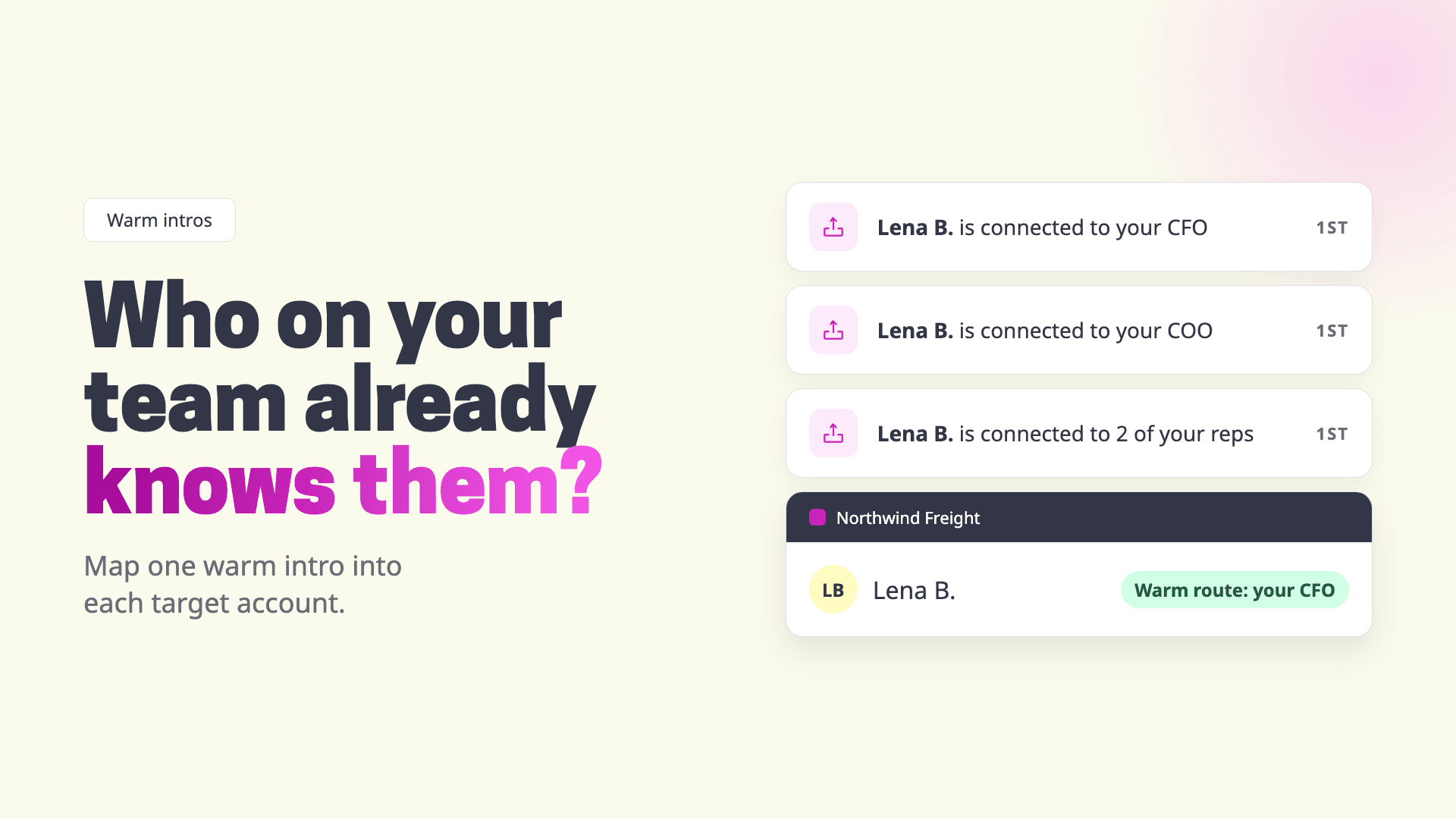
Teamfluence collects LinkedIn engagement across your whole team in one workspace, and it shows which of your team members each lead is connected to. Upload your target account list and you can filter to the people at those accounts, so you see who on your team is connected to them and who has engaged with your team's posts and profiles. [CHECK: Valentyn, wording]
Every team member connects their own account, so the map is as wide as the team you add. Start with the execs who know the most people.
The one-page account map (account, the people who decide, which exec knows each one) we build by hand for now, with a few teams. If you'd like one for your target accounts, talk to sales. [CHECK: Steven, see notes]
Ways to find warm intros, compared
| By hand (LinkedIn search) | Sales Navigator TeamLink | Teamfluence | |
|---|---|---|---|
| Cost | Free | Advanced or Advanced Plus plan | Paid plan |
| Whose network you see | Your own, plus colleagues' lists they let you see | Colleagues with a Sales Navigator seat, plus TeamLink Extend seats | Every team member who connects their account |
| Starts from your account list | Yes, if you work from a sheet | Yes, via account and lead lists | Yes, upload your target accounts |
| Also shows who engaged with your team's posts and profiles | No | Not part of TeamLink | Yes |
| Tells you how well they know each other | No (ask the exec) | No (ask the exec) | No (ask the exec) |
| Good for | Your top 20 accounts, this week | Sales teams already on Advanced | Teams whose execs post and sell |
FAQ
Is a 2nd-degree connection a warm intro? Only if your colleague really knows them. A 2nd-degree connection means someone in your network is connected to them. It says nothing about how well. Ask.
Do I need Sales Navigator? No. LinkedIn's free search and each exec's own network get you started. TeamLink saves time if you're already on an Advanced plan.
How many accounts should I start with? Twenty. It's enough to see how many accounts have at least one real warm route, and small enough to finish.
What if my exec has hidden their connections? Then only they can see them. Send them the names and ask. It's the step you'd need anyway, because only they know how well they know someone.
How is this different from engagement signals? Engagement signals show who came to you: they viewed a rep's profile or liked a post. A warm route is someone you already know. The best case is both: a person at a target account who knows your CFO and liked your CEO's post last week. More in LinkedIn engagement signals, explained.
Should sales or marketing own the map? Whoever owns the account list. In the teams we talk to, that's usually the ABM or demand gen lead, with sales deciding who makes each intro.