

Short answer: Trigify access ends at 11:59pm BST on 22 October 2026 for most customers, and your Trigify data won't move to HubSpot. Before then, export your tracked profiles, keyword searches, lists and lead history from inside Trigify. Anything you can't export, screenshot. If you get stuck, Trigify says to email hugo at trigify.io.
Last updated: 24 September 2026
What happens to your Trigify data?
Here's what Trigify's own FAQ says:
- For most customers, access ends at 11:59pm BST on 22 October 2026. If your contract has a different notice period, Trigify sends you your own date.
- Your account won't be migrated to HubSpot, and Trigify customer data isn't transferred to HubSpot as part of the team's move.
- Trigify asks customers to save anything they want to keep before access ends, using the export options in Trigify.
- After that, data is kept or deleted according to Trigify's contractual, privacy and legal obligations.
- On your end date, Trigify's integrations and API access stop, and monitoring and signal collection stop too. Anything that pulls from Trigify (your CRM, Clay, Zapier or n8n) goes quiet at the same moment.
So if you don't export it, plan on losing it.
What should you export from Trigify?
Go through this list in order. The top items take the longest to rebuild by hand.
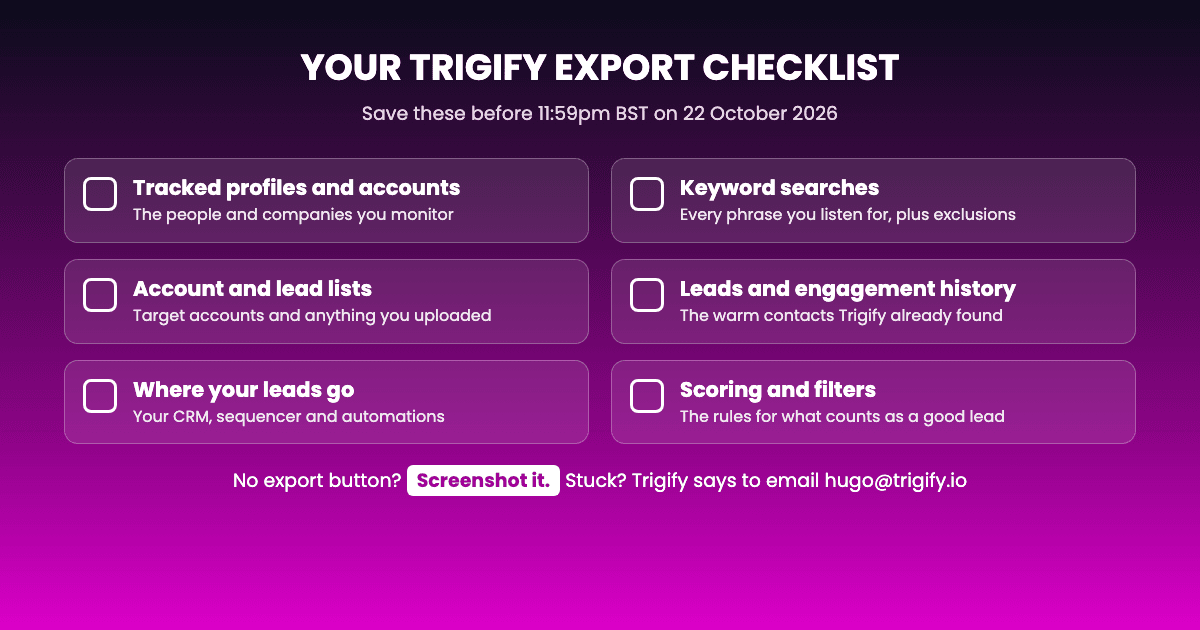
- Tracked profiles and accounts. The people and companies you monitor. It's the list that's hardest to rebuild from memory.
- Keyword searches. Every word and phrase you listen for, including the exclusions that keep the noise out.
- Account and lead lists. Anything you uploaded, like target accounts or customer lists.
- Your leads and engagement history. The people Trigify already surfaced. Even if you won't reuse the signals, it's a list of warm contacts.
- Where your leads go. Which CRM, sequencer, spreadsheet or channel gets new leads today, and what each automation does.
- Scoring and filters. The rules that decide what counts as a good lead for you.
Don't want to rebuild all this yourself? Send the export to us and we'll set it up in Teamfluence for you. See the No-Gap Migration →
How do you export it?
Use the export options inside Trigify. Trigify's FAQ doesn't list the steps, so check each section of the app for an export or download option.
When there's no export option:
- Take screenshots. A screenshot of your keyword list or your workflow settings is enough to rebuild them.
- Copy it into a doc. Filters, scoring rules and automation steps are easy to lose. Write them down while you can still see them.
- Email Trigify. Trigify says to contact hugo at trigify.io, or reply to the customer notice you received.
Save everything in one folder, and name each file after what it contains. You'll thank yourself when you set up the new tool.
If your team used Trigify's API or command-line tool, you can pull your search results that way too. Trigify's help center has a guide to making API calls. It's worth doing for your biggest searches, so you have the raw results and not just what's on screen.
When should you do it?
This week. Don't leave it for the last days before 22 October:
- If your contract has a different notice period, your date may come sooner.
- Rebuilding takes time. The sooner you export, the sooner your new tool can run alongside Trigify, so you don't lose leads in between.
What do you do with the export?
Pick your next tool, then bring the export to it.
- Still choosing? We compared 9 options by what they actually track: Trigify alternatives for 2026. For most Trigify customers, the best overall fit is Teamfluence. Or see how we line up one to one: Teamfluence vs Trigify.
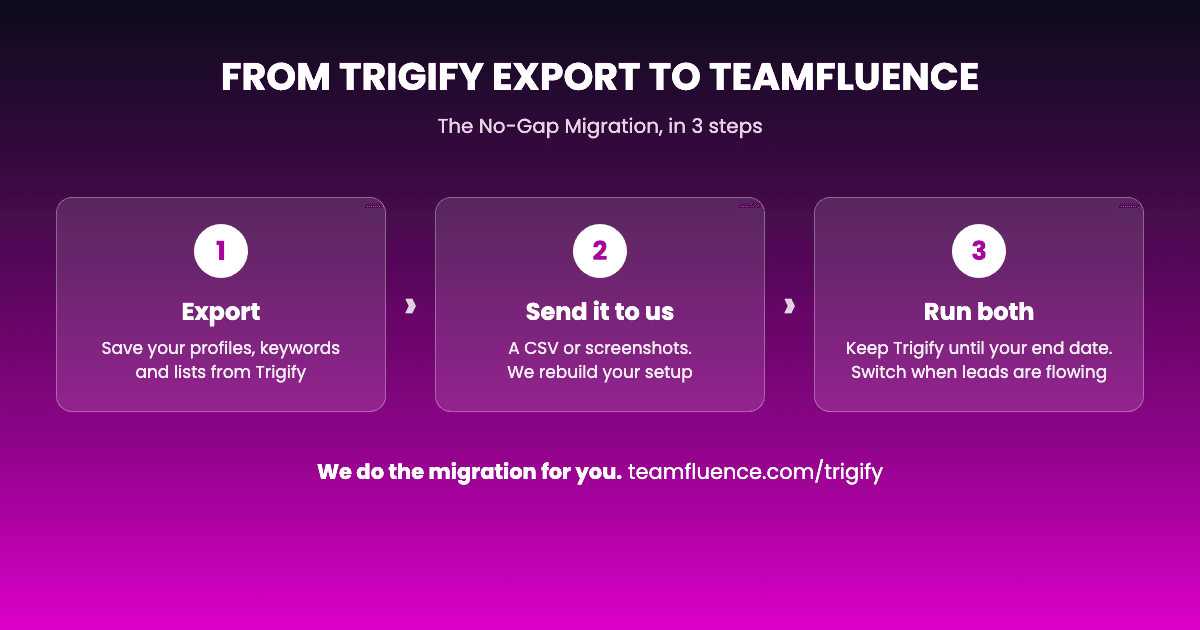
- Want it done for you? Send your export to us. We'll rebuild your tracked profiles, keywords and lists in Teamfluence, run it alongside Trigify until your end date, and you keep your current Trigify price for the first 3 months. See the No-Gap Migration →
Ready now? Book your migration call and bring your export.
Trigify export FAQ
When does Trigify stop working? For most customers, at 11:59pm BST on 22 October 2026. Customers with a different notice period get their own date from Trigify.
Will my Trigify data move to HubSpot? No. Trigify says accounts won't be migrated to HubSpot, and customer data isn't transferred.
What if I can't find an export option? Take screenshots, copy settings into a doc, or email hugo at trigify.io.
Will Trigify keep my data after 22 October? Trigify says customer data is kept or deleted according to its contractual, privacy and legal obligations. Don't count on getting it back later.
What format does Teamfluence need? Whatever you have. A CSV export is fastest, but screenshots work too. We rebuild the rest by hand.