
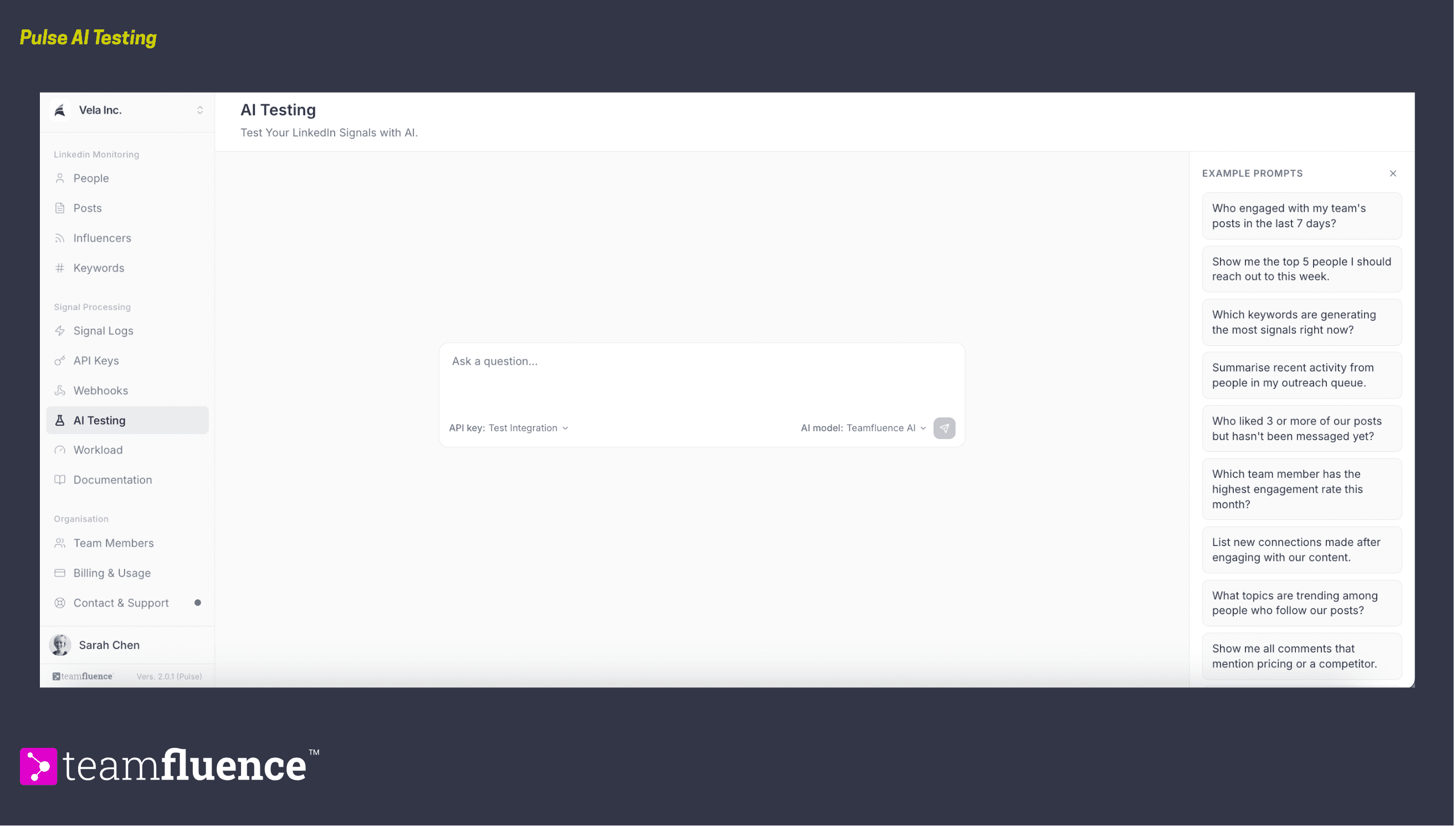
AI Testing is a chat built into Pulse where you ask questions about your social signals and leads in plain English. It is the quickest way to see what your data can do, without wiring up an external tool first.
Why start here
If you are curious what Pulse can tell you but do not want to connect Claude or ChatGPT to your workspace yet, start here. Ask a few questions, see the kind of answers you get back, and then decide whether to connect an external agent later.
Ask your first question
- Go to AI Testing under Signal Processing.
- Type a question in the Ask a question box, or click one of the Example Prompts on the right to drop it in.
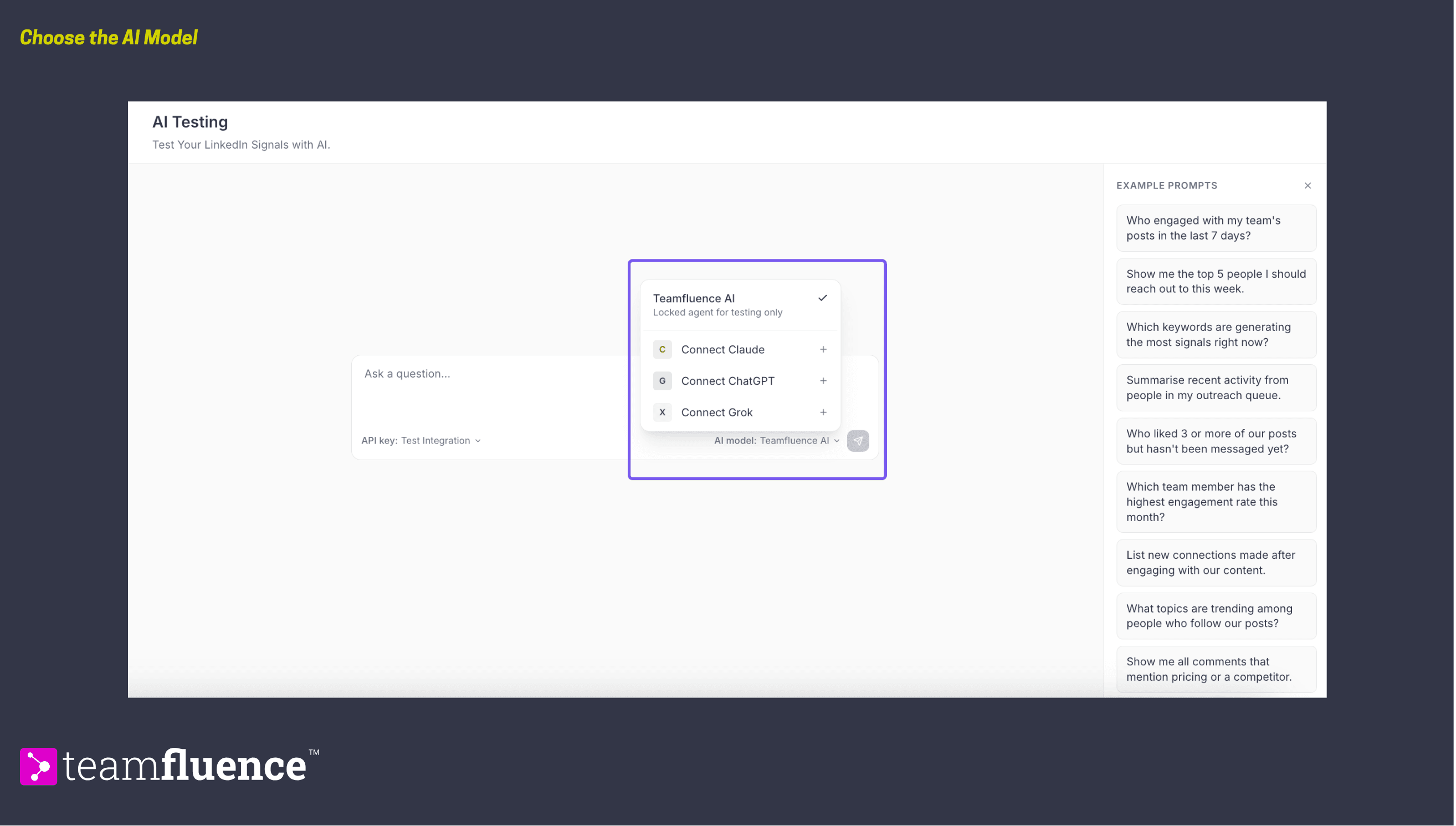
- Choose your AI model. Use the model selector to switch between Teamfluence AI, Claude, ChatGPT, and Gemini. Teamfluence AI is the built-in default.
- Select which API key the chat should use in the API key selector.
- Send your question. AI Testing answers using your live signals and leads.
Not sure what to ask
The Example Prompts column gives you ready-made questions to try. Click one to load it, then send. They include:
- Who engaged with my team's posts in the last 7 days?
- Show me the top 5 people I should reach out to this week.
- Which keywords are generating the most signals right now?
- Who liked 3 or more of our posts but hasn't been messaged yet?
- Which team member has the highest engagement rate this month?
- List new connections made after engaging with our content.
These are also a good model for your own questions. Ask about people, posts, keywords, connections, or your team's activity, in whatever wording feels natural.
From testing to connecting
AI Testing is a place to explore questions inside Pulse. When you are ready to put your signals to work in your own tools or agents, create an API key and connect Claude, ChatGPT, or anything else through the API. See How to create an API key.