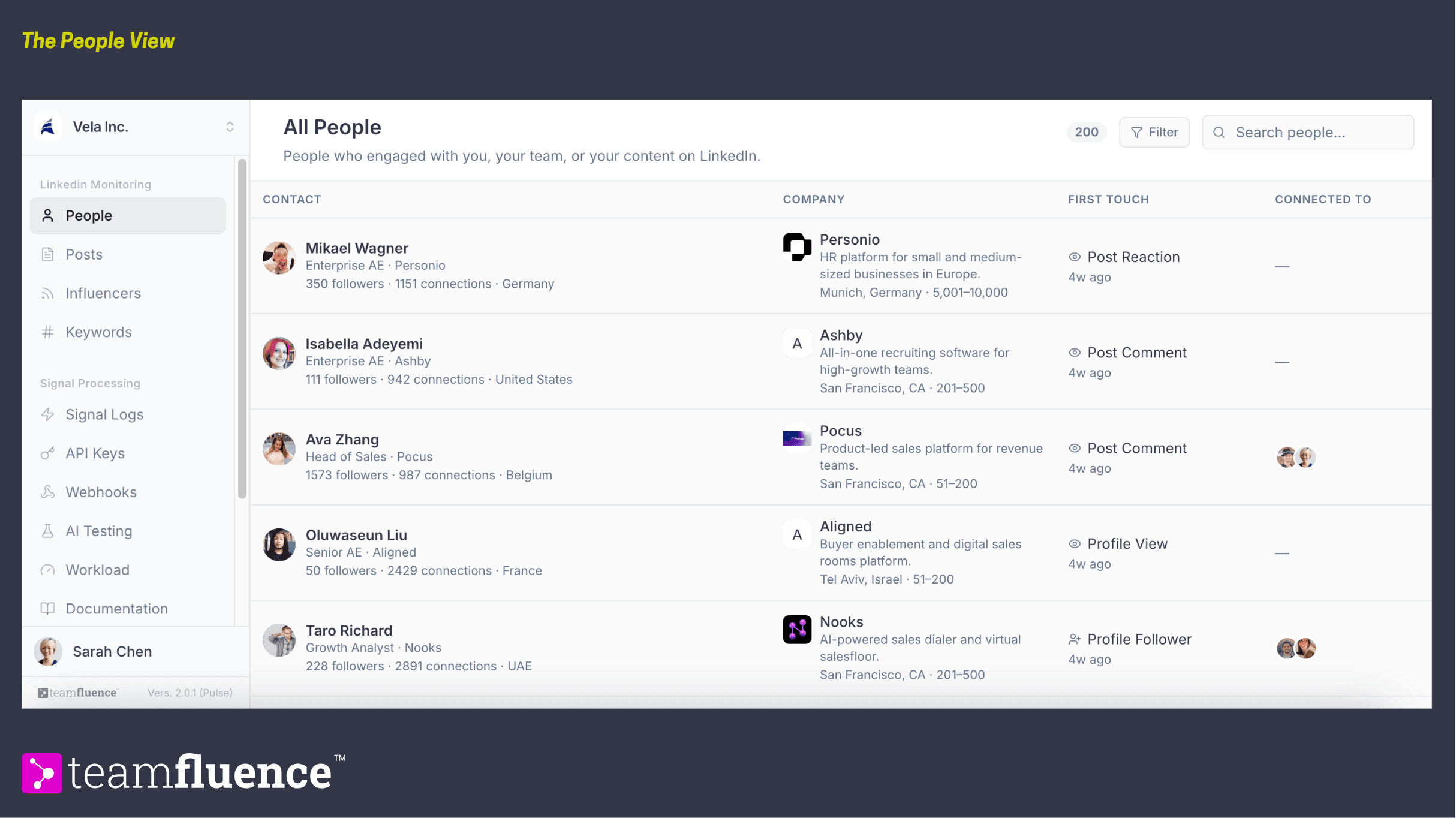
The People view is where every social signal your team generates lands, pulled together into one record per person. This article explains what you are looking at, what each signal type means, and how a person's record builds over time. For narrowing the view down, see How to filter and sort signals.
What the People view shows
When you open Pulse, you land on People. Everyone who has interacted with you or your team appears as a single row. Each record answers the questions you would otherwise dig for by hand:
- Who they are. Name, title, and profile.
- What company they work for. Company and role, pulled from their profile.
- How the relationship started. The first signal that brought them into your view, also called the first touch.
- Who they are connected to. Which teammates on your workspace have a relationship with them.
Click any person to open their full history: every signal tied to them, in order. See How to open a contact's history and details for more.
Where signals come from
Every signal can come from any connected teammate in your workspace as well as your company page, not just your own activity. That is what makes the People view a picture of your whole team's network rather than one person's inbox. When two teammates both interact with the same person, those signals land on the same record. Also signals can come from monitored posts from third party sources, like tracked influencers, paid ads, tracked keywords.
Signal types
Signals are grouped by where they happen.
- Profile
Profile Viewer. Someone visited a teammate's profile. Profile Follower. Someone followed a teammate's profile.
- Connections
New Connection. Someone connected with a user.
- Post engagement
Post Reaction. Someone reacted to a post. Post Comment. Someone commented on a post. Comment Reaction. Someone reacted to a comment. **Comment on Comment. **Someone replied to a comment.
- Company page
Company Page Viewer. Someone visited your company's profile page. Available only if your company has a Premium subscription. Company Page Follower. Someone followed your company's page.
How a record builds over time
Every signal creates or updates a person's record. If the same person triggers several signals over time, for example they view a teammate's profile and later react to a post, all of it consolidates under one record with a full history.
Sort and filter, in brief
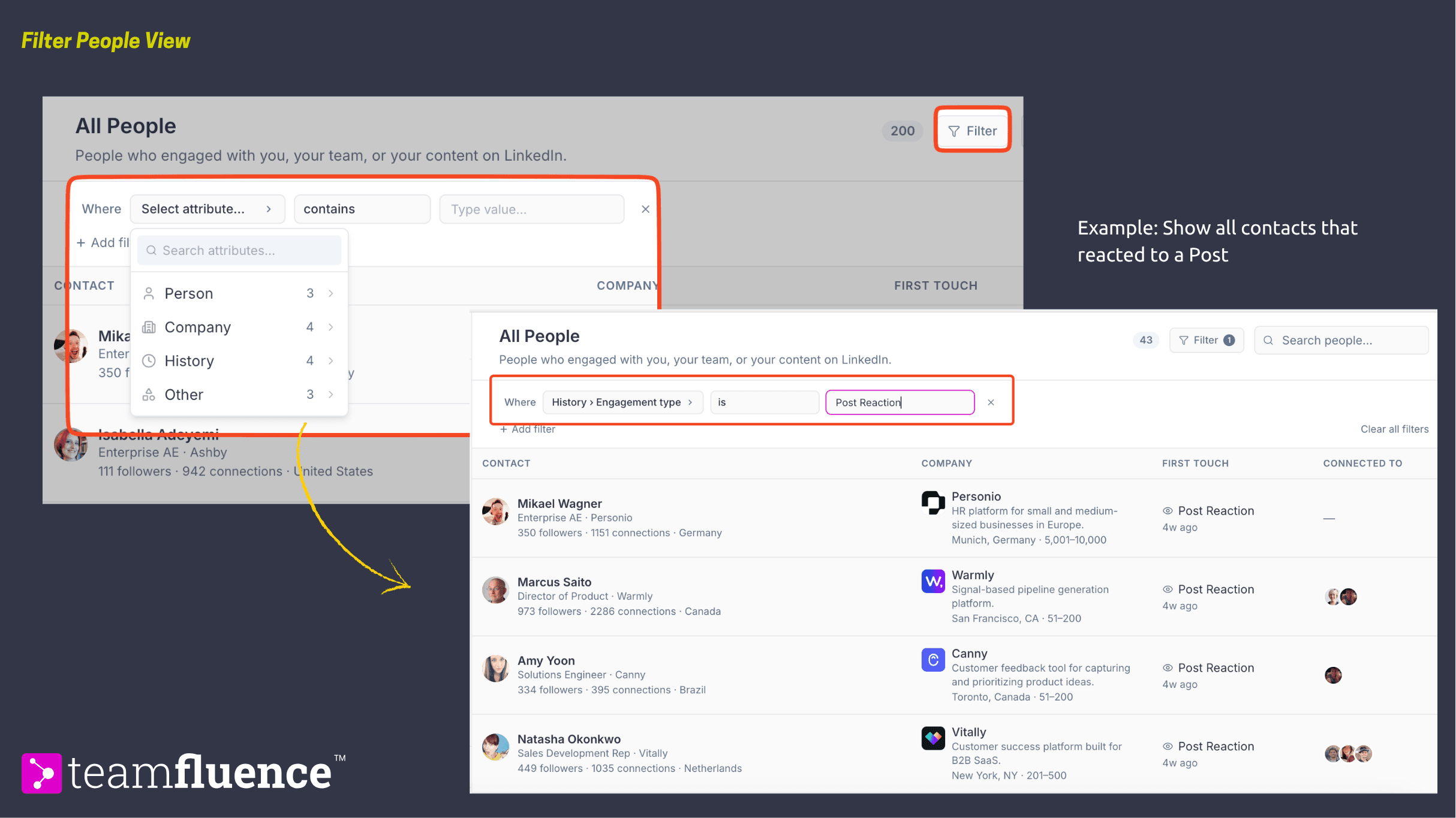
Use the filter icon to narrow the view by attributes like engagement type, company size, company location, Person Role, etc.