
Leverage your team's reach by notifying them to engage
What is Boost for?
Boost is a feature that lets you notify your team via push and Slack notifications when you need engagement on a post or piece of content.
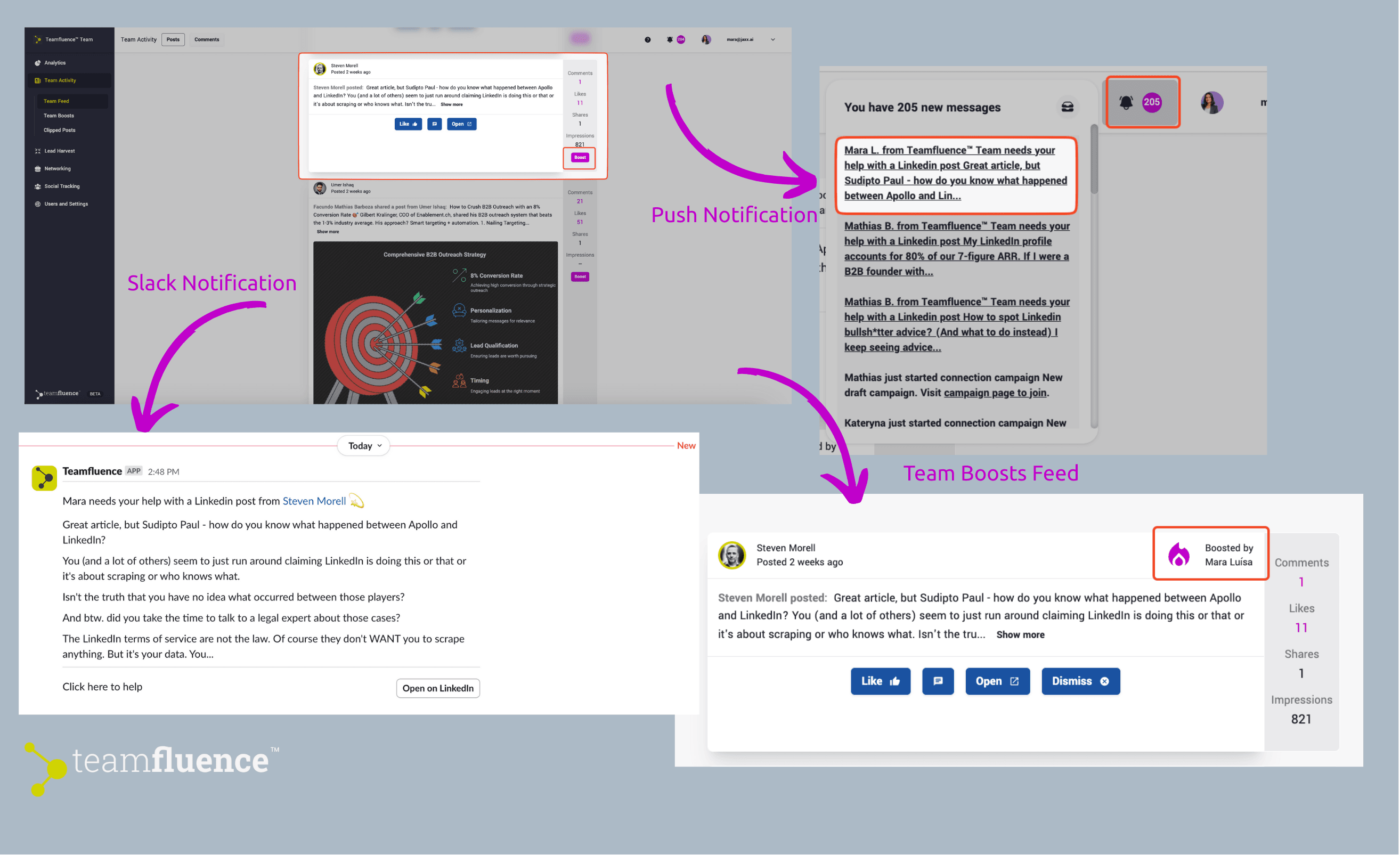
What content can I boost?
- In the Team Activity tab, you’ll find a curated feed of content activity from you and your team members. You can boost any content from this feed that needs more visibility.
- In the Social Tracking tab, you’ll see a curated feed of your tracked contacts and key prospects. You can engage with their content and request a boost to increase their reach.
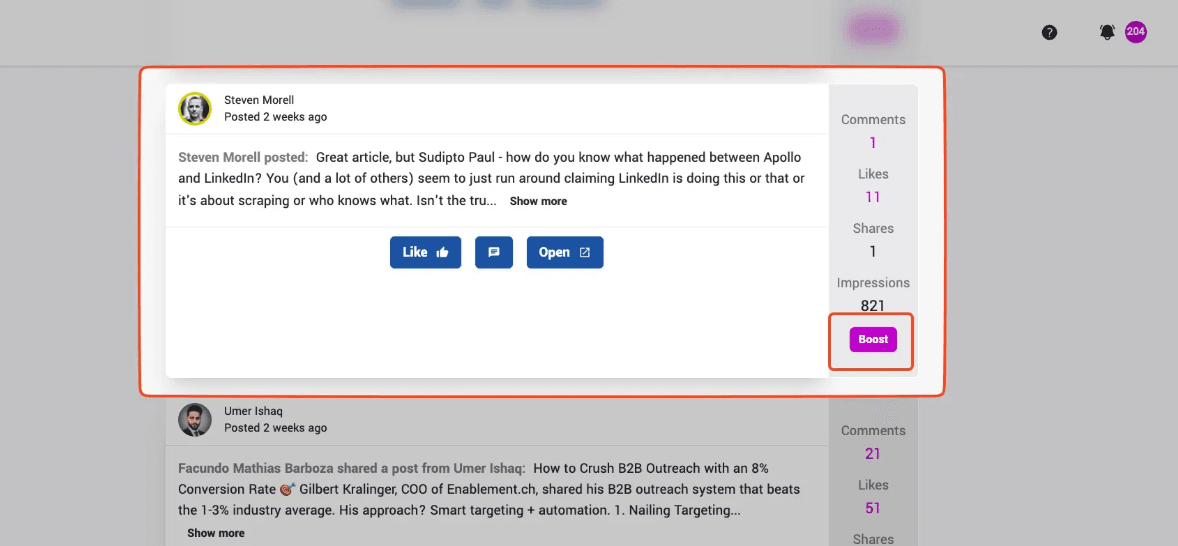
Where can I find boosted posts?
All boosted posts are located in the Team Activity → Team Boosts tab, providing you with an engagement to-do list.