
Automatically enrich every new prospect with a verified email address.
When to use this template
Use this template if you run email sequences in parallel with LinkedIn outreach and want every new prospect to have a verified email on record without manual lookups.
How it works
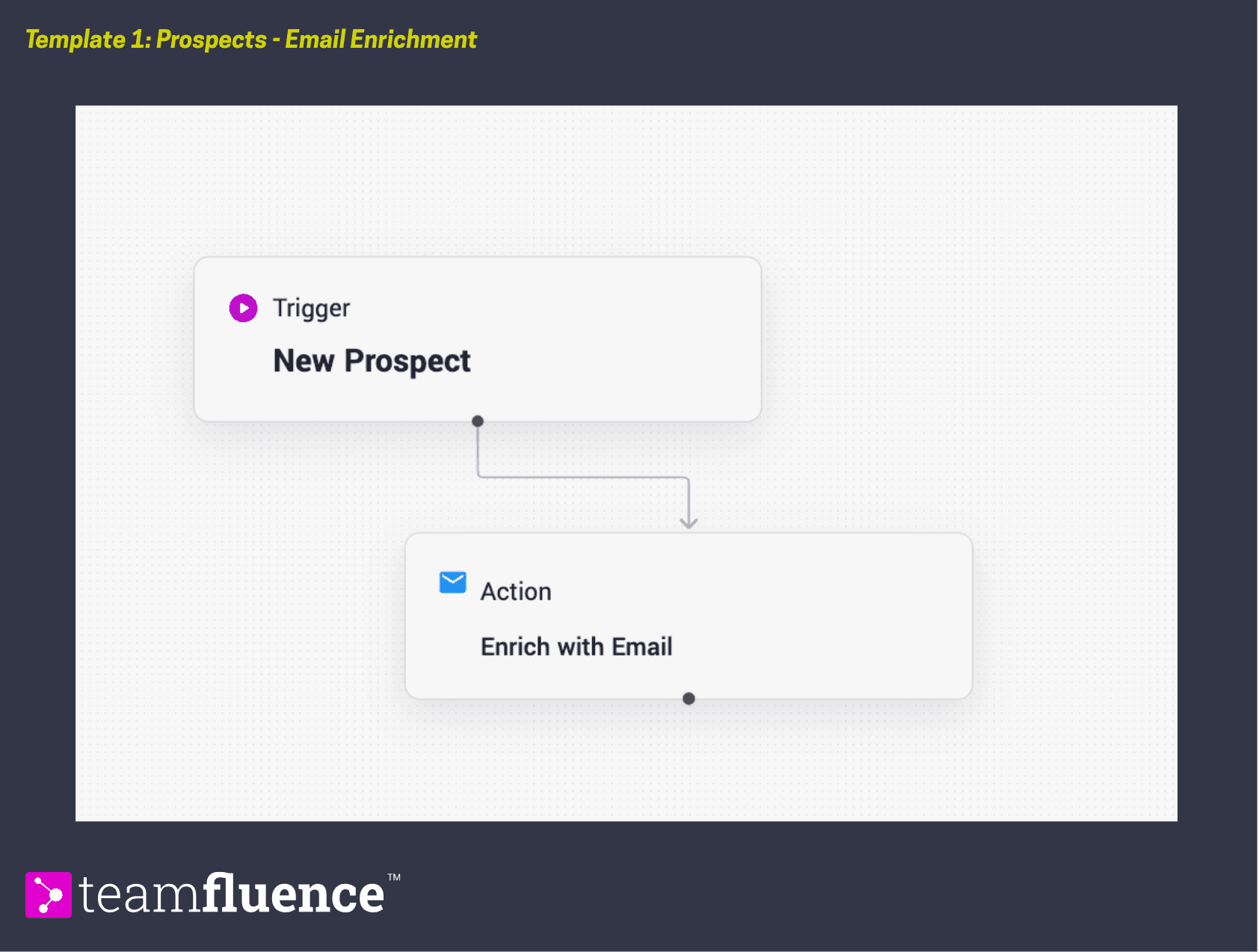
When a new prospect appears in Teamfluence, the workflow immediately triggers an email enrichment request. No filter is applied, every new prospect is enriched regardless of source or ICP status, since by the time a lead becomes a prospect they have already been qualified.
Trigger: New prospect
Action: Enrich with email
Requirements
Before activating this template, make sure:
- Your workspace has at least one active user connected to LinkedIn
- You have reviewed how the Prospect Tracker works, since this workflow acts on prospects, not just leads
How to activate
- Go to Workflows in the left sidebar and click Create Workflow.
- Create the workflow as explained or click Import Template and download the template file below.
- Review the trigger and action to confirm they match your setup.
- Click Activate to set the workflow live.